Speaker Pages Sections
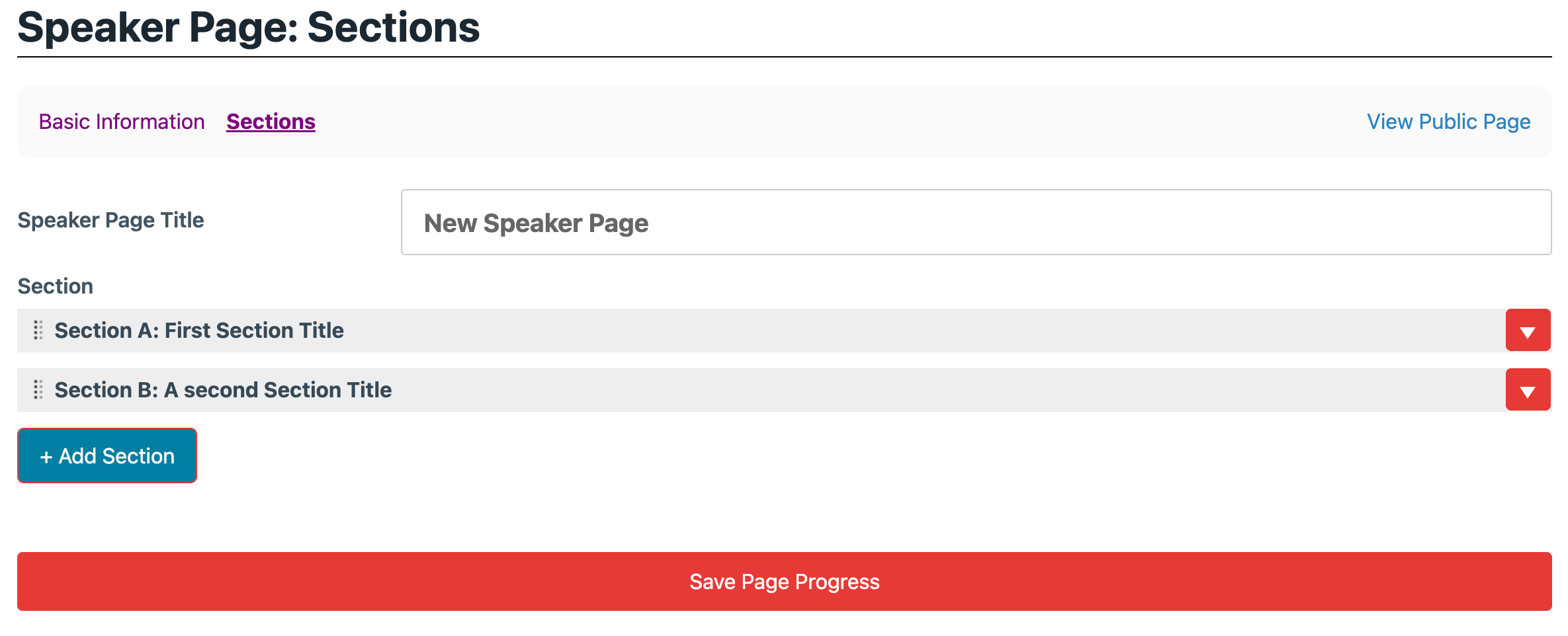
Below the welcome message a speaker page consists of sections.
Initial View
By default all sections will be "collapsed". Click the down arrow on the right of the line to open the section details.
When you hover over the line you will also see the remove link to delete the section.
Editing a Section
Each section has the following information:
- Title
- Number: Can also be a letter
- Due Date: This is a free text field, allowing you to enter text such as "Dec 3-6"
- Due Label: By default "Due Date:" is included above the text, to have other text enter it here.

Section Blocks & Content
- Section Blocks: See the specific page for details on how to complete this section.
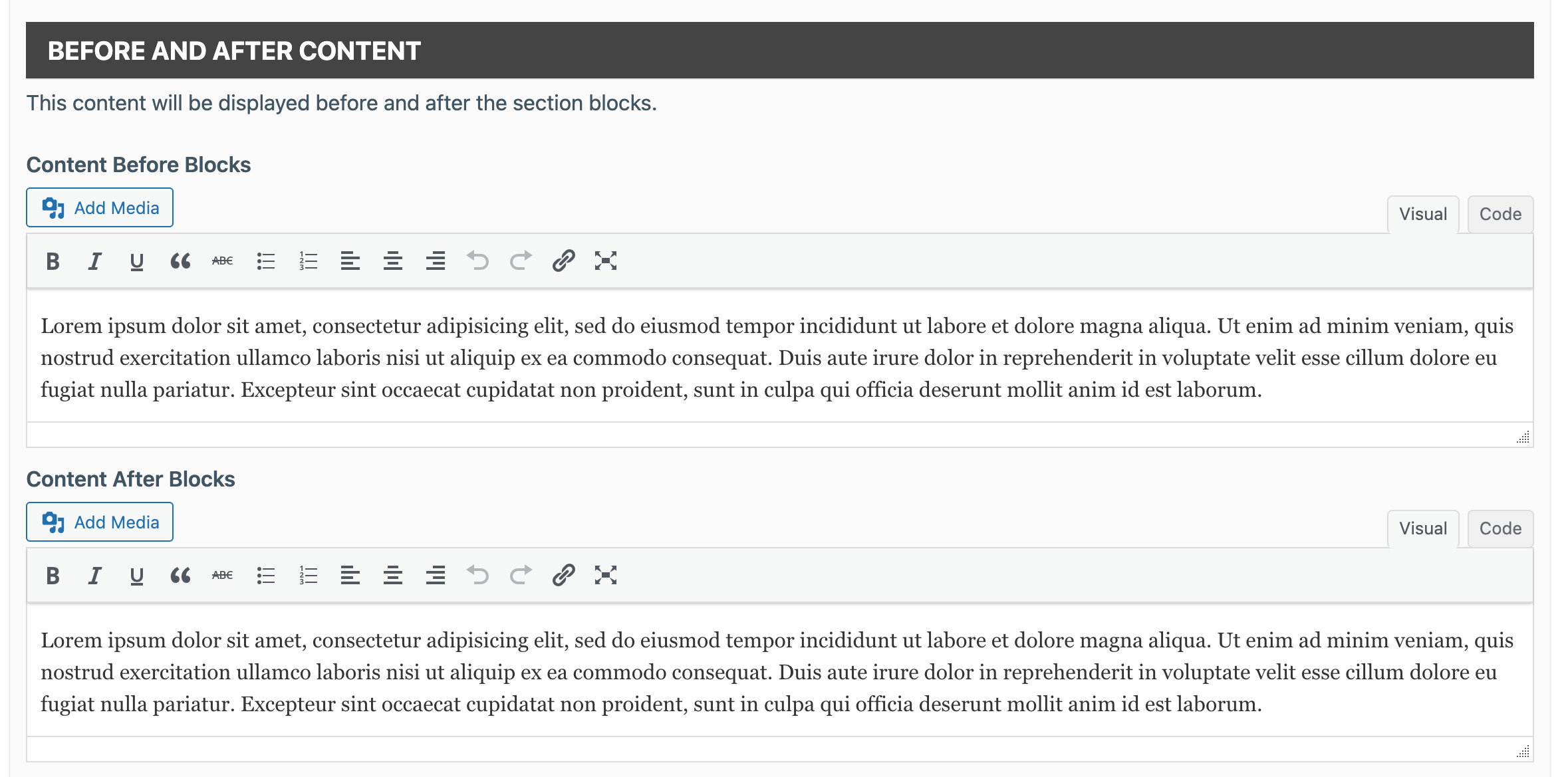
- Before and After Content: Often you will want text to appear before or after the blocks. This is where you can enter this text, don't forget to use the shortcodes!